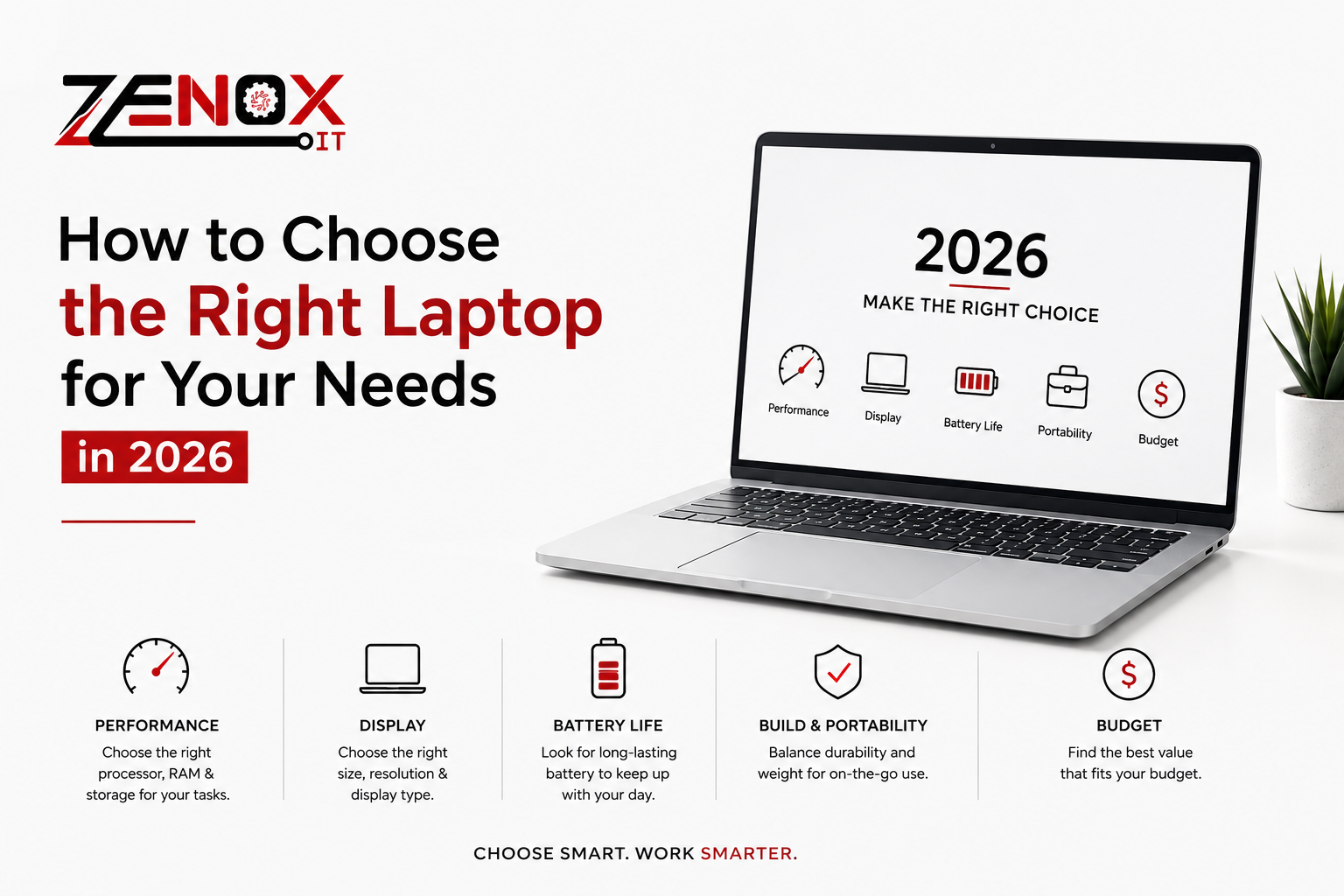
How to Choose the Right Laptop for Your Needs in 2026
Learn how to choose the right laptop in 2026 based on performance, processor, RAM, storage, display, battery life, budget, and everyday needs.
Choosing a new laptop can feel overwhelming. With hundreds of models, different processors, RAM configurations, storage options, display technologies, and price ranges available, it is easy to focus on specifications that may not actually matter for your needs.
The best laptop is not necessarily the most expensive or most powerful one. The right choice depends on how you plan to use it, your required performance, portability needs, and budget.
Whether you are a student, professional, business owner, content creator, developer, or gamer, understanding the key specifications can help you make a smarter purchasing decision.
1. Start by Understanding Your Needs
Before comparing laptop specifications, determine what you actually need the laptop for.
Different users have different requirements:
- Students: Browsing, online classes, documents, presentations, and entertainment.
- Office professionals: Productivity applications, video meetings, spreadsheets, email, and multitasking.
- Developers: Code editors, browsers, development environments, databases, and virtual machines.
- Designers and content creators: Photo editing, video editing, graphic design, and other demanding applications.
- Gamers: High-performance processors, dedicated graphics, fast displays, and adequate cooling.
- Everyday users: Web browsing, streaming, social media, documents, and general computing.
Defining your primary use case first makes it much easier to narrow down your options.
2. Choose the Right Processor
The processor, commonly called the CPU, is one of the most important components of a laptop.
It handles instructions and calculations required by applications and the operating system. A modern processor can provide better multitasking and application performance, but you do not always need the highest-end CPU.
For basic tasks such as browsing, documents, and streaming, an entry-level or mid-range processor can be sufficient.
For programming, professional applications, content creation, and heavier multitasking, consider a stronger mid-range or high-performance processor.
For gaming, 3D work, professional video editing, and demanding workloads, a high-performance CPU paired with an appropriate dedicated GPU may be a better choice.
3. How Much RAM Do You Need?
RAM affects how efficiently your laptop can handle multiple applications and tasks at the same time.
As a general guideline:
- 8GB RAM: Suitable for basic everyday computing.
- 16GB RAM: A good choice for most users, professionals, and developers.
- 32GB RAM or more: Recommended for demanding professional workloads, advanced development, content creation, and heavy multitasking.
For many users buying a laptop today, 16GB RAM provides a comfortable balance between performance and value.
However, your software requirements should always be considered before making a final decision.
4. SSD vs HDD: Choose Faster Storage
Storage affects how quickly your laptop starts, opens applications, and accesses files.
Modern laptops commonly use SSD storage because SSDs are significantly faster than traditional hard disk drives.
An SSD can provide:
- Faster system startup
- Faster application loading
- Quicker file transfers
- Better overall responsiveness
- Improved durability compared with traditional mechanical drives
For a modern laptop, an SSD should generally be preferred.
A 512GB SSD can be a practical starting point for many users, while users who store large amounts of photos, videos, games, or professional files may benefit from 1TB or more.
5. Consider the Display
The display is another important factor because you will interact with it every time you use your laptop.
When comparing displays, consider:
- Screen size
- Resolution
- Panel technology
- Brightness
- Color accuracy
- Refresh rate
- Viewing angles
A 14-inch laptop can provide an excellent balance between portability and usability, while larger 15.6-inch or 16-inch displays can be more comfortable for productivity, entertainment, and creative work.
For gaming, a higher refresh rate can provide smoother motion. For designers and creators, color accuracy may be more important.
6. Don't Ignore Battery Life
A powerful laptop is not very useful if you constantly need to search for a power outlet.
Battery performance depends on many factors, including processor efficiency, screen brightness, display technology, workload, applications, and battery capacity.
If you frequently travel, attend classes, work remotely, or move between meetings, prioritize a laptop with good battery efficiency and a portable design.
7. Think About Portability
Laptop size and weight can significantly affect your everyday experience.
If you frequently carry your laptop between home, college, office, or meetings, a lightweight 13- or 14-inch model may be more convenient.
If your laptop will primarily stay on a desk, a larger screen may be more valuable than reduced weight.
Think about where you will use the laptop most often before choosing its size.
8. Check the Ports and Connectivity
Modern laptops can be thin and minimalist, but this sometimes means fewer physical ports.
Before buying, check whether the laptop includes the connections you actually need, such as:
- USB-A
- USB-C
- HDMI
- Headphone jack
- SD or microSD card reader
- Ethernet
- Wireless connectivity
If you frequently connect external monitors, storage devices, cameras, or other peripherals, having the right ports can save you from purchasing additional adapters.
9. Set a Realistic Budget
Budget should be considered alongside your actual requirements.
Instead of asking, "What is the best laptop?", ask:
"What is the best laptop for my needs and budget?"
Spending more does not automatically mean getting better value. A high-end gaming laptop may be unnecessary for someone who primarily works with documents and web applications.
Similarly, choosing the cheapest available laptop may result in poor performance or limited longevity if your workload is demanding.
The goal is to find the right balance between performance, features, quality, and price.
10. Consider Future Requirements
Your laptop should ideally serve you for several years.
If your requirements are likely to increase, choosing slightly better specifications today may provide better long-term value.
For example, if you currently use your laptop mainly for browsing but expect to start programming, video editing, or professional applications soon, purchasing a stronger configuration can reduce the need for an early upgrade.

Related Articles
Discover more story topics from our editorial collection